Best alternative to Detectify, meet Defenso.
Detectify runs deep external attack-surface scanning built on crowdsourced hacker research. Defenso brings that same probe-don't-just-watch approach to indie and small-team budgets, and puts a managed firewall, uptime and repo scanning next to it in one account.
Why teams pick Defenso over Detectify.
Detectify is a serious external attack-surface management tool. Its scanner is fed by a private community of ethical hackers, so it does not just match known signatures, it actually probes your running application the way an attacker would and surfaces findings most pattern-based scanners miss. If you are a security team with a broad external footprint and the budget to match, it is a strong product and we are not pretending otherwise.
The reason a developer looks for a Detectify alternative is usually price and scope. Detectify is priced and shaped for security teams, and it is a scanner: it tells you what is wrong, but it does not block attacks, watch your uptime, or scan your repository for the secret you just committed. Defenso keeps the part that matters most, actually probing your app rather than only watching traffic patterns, and wraps it in a managed firewall, monitoring and repo scanning at a price an indie developer or small team can actually pay.
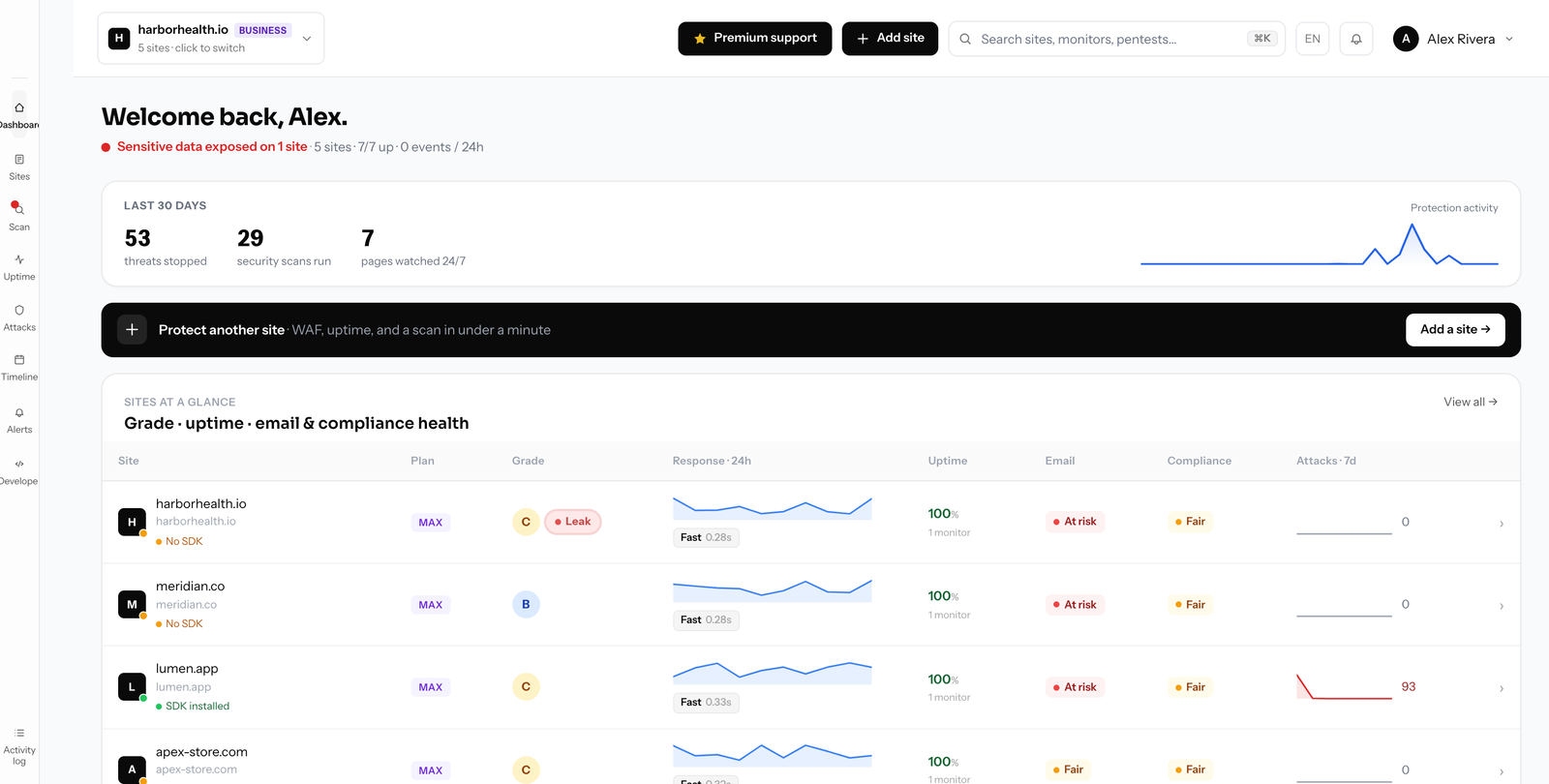
Switching from Detectify to Defenso.
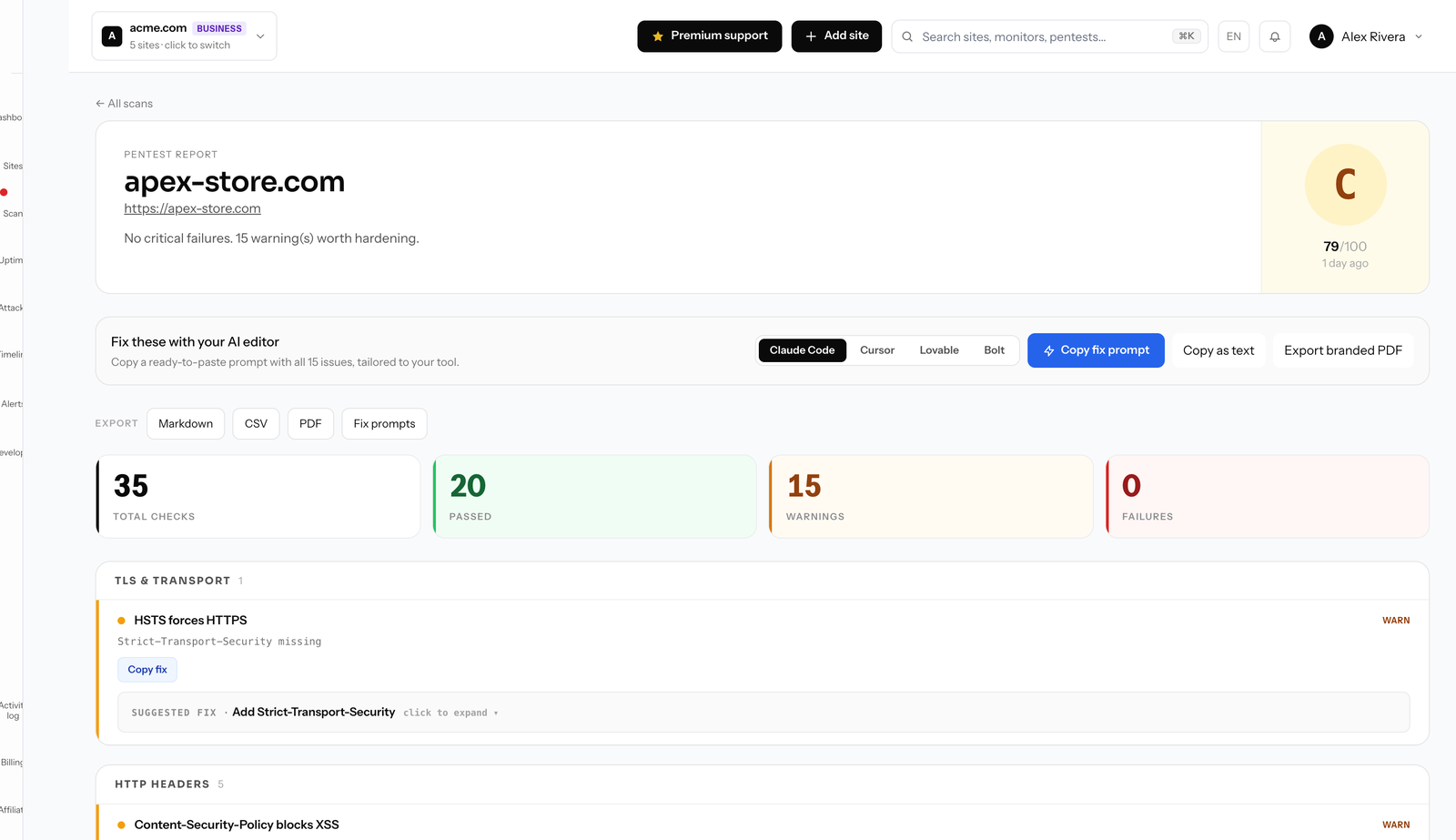
The heart of Defenso is that it probes, it does not just pattern-match. A scheduled pentest actively tests your live site the way an attacker would, and the deep pass on the Max plan crawls endpoints, checks open ports and finds server misconfigurations that a passive rule engine never sees. Each finding comes graded A to F with a plain fix, so it reads like a report a human pentester would hand you, not a raw scanner dump. That kind of active probing is exactly what costs a premium at other vendors.
Around that sits everything a scanner alone leaves you to solve elsewhere. A one-line SDK turns on a managed WAF with 50k+ rules and automatic API rate limiting, so the holes you find are also being blocked while you fix them. The same account watches uptime, SSL and domain expiry, scans your repository for leaked keys, and rings a call-style phone alarm when something real happens. It fails open, adding about 4ms, so it never becomes the thing that takes your site down.
Migration is simple because there is nothing to rip out: run Defenso beside Detectify, compare the findings, and keep whichever gives you more per dollar. The free tier needs no card and includes a real monthly pentest, so you can see the probe-based approach on your own site in minutes, with annual billing about 25% under monthly.
Compare Defenso with the rest.
How to switch from Detectify without a monitoring gap.
Migrating off Detectify is a five-minute job, not a project. You keep Detectify live while you set Defenso up, move your sites and alerts across, switch on the WAF and pentest Detectify never offered, and only then cancel. Here is the exact order.
-
01
Keep Detectify running while you set up
No rip-and-replace. Create a free Defenso account and add your sites there first, and Detectify stays live the whole time, so there is never a monitoring gap during the move.
-
02
Add your sites and endpoints
Point Defenso at the same URLs, domains and API endpoints you watch in Detectify. Uptime checks, SSL and domain-expiry monitoring and a public status page turn on the moment a site is added: no agent to install, no DNS change.
-
03
Wire up the alerts you already use
Connect email, Slack, Discord, Telegram or a signed webhook, and install the Defenso Alerts phone app. The call-style Alarm level rings through silent mode and Do Not Disturb for the 3am outage you cannot sleep through, something Detectify cannot do.
-
04
Turn on the security Detectify does not have
This is the real upgrade: a managed WAF in one SDK line, a scheduled pentest that grades your site A–F, repo and secret scanning, and active deception, all in the same account, at no extra vendor. Monitoring and security stop being two bills.
-
05
Run both for a cycle, then cancel Detectify
Watch the two side by side for a billing cycle. Once you trust the Defenso alerts and grades, cancel Detectify and consolidate. Most teams find they were paying for uptime and still had no security layer at all.
Frequently asked questions.
Everything people ask before they switch from Detectify. Still unsure? We are one message away.
For indie developers and small teams, yes. Defenso actively probes your live app with a graded pentest the way Detectify does, rather than only matching known patterns, and it adds a managed WAF, uptime monitoring and repo secret scanning in one account at small-team pricing.
It probes. The scheduled pentest tests your running site like an attacker would, and the deep pass on the Max plan checks open ports, admin endpoints and server misconfigurations that passive, pattern-only scanners miss. Every finding is graded with a concrete fix.
Yes, and that is a key difference from a scanner like Detectify. The managed WAF with 50k+ rules and automatic API rate limiting blocks the vulnerabilities while you fix them, and it fails open so it never takes your site down.
Yes, no card required. Free includes a real monthly surface pentest, basic managed WAF, uptime and a status page. Paid plans add deep pentests, repo scanning and unlimited scans, with yearly billing roughly 25% cheaper than monthly.
Get more than monitoring, for free.
No card, no install. Add a site and get uptime, a managed firewall, a pentest and a phone alarm in one account.