Best alternative to Sucuri, meet Defenso.
Sucuri is WordPress-first malware cleanup and WAF. Defenso extends that protection to any stack and adds uptime, pentest, repo scanning and a mobile alarm, all in one account.
Why teams pick Defenso over Sucuri.
Sucuri built its name on cleaning up hacked WordPress sites, and it is very good at it. Its cloud WAF, malware scanning and hack-cleanup guarantee have rescued countless small business sites, and if your world is WordPress and you have been compromised, Sucuri's remediation team is a real service worth paying for. Credit where it is due: few security vendors will actually clean an infected site for you.
The reason developers look for a Sucuri alternative is that modern apps are not just WordPress, and protection should not stop at malware cleanup. If you run a Next.js frontend, a Laravel API and a couple of static marketing sites, you want one firewall across all of them, plus monitoring, pentesting and repo scanning, not a WordPress-shaped tool bolted to one CMS. Defenso covers WordPress and everything else through a one-line SDK, and puts uptime, pentest, repo secret scanning and a phone alarm in the same account.
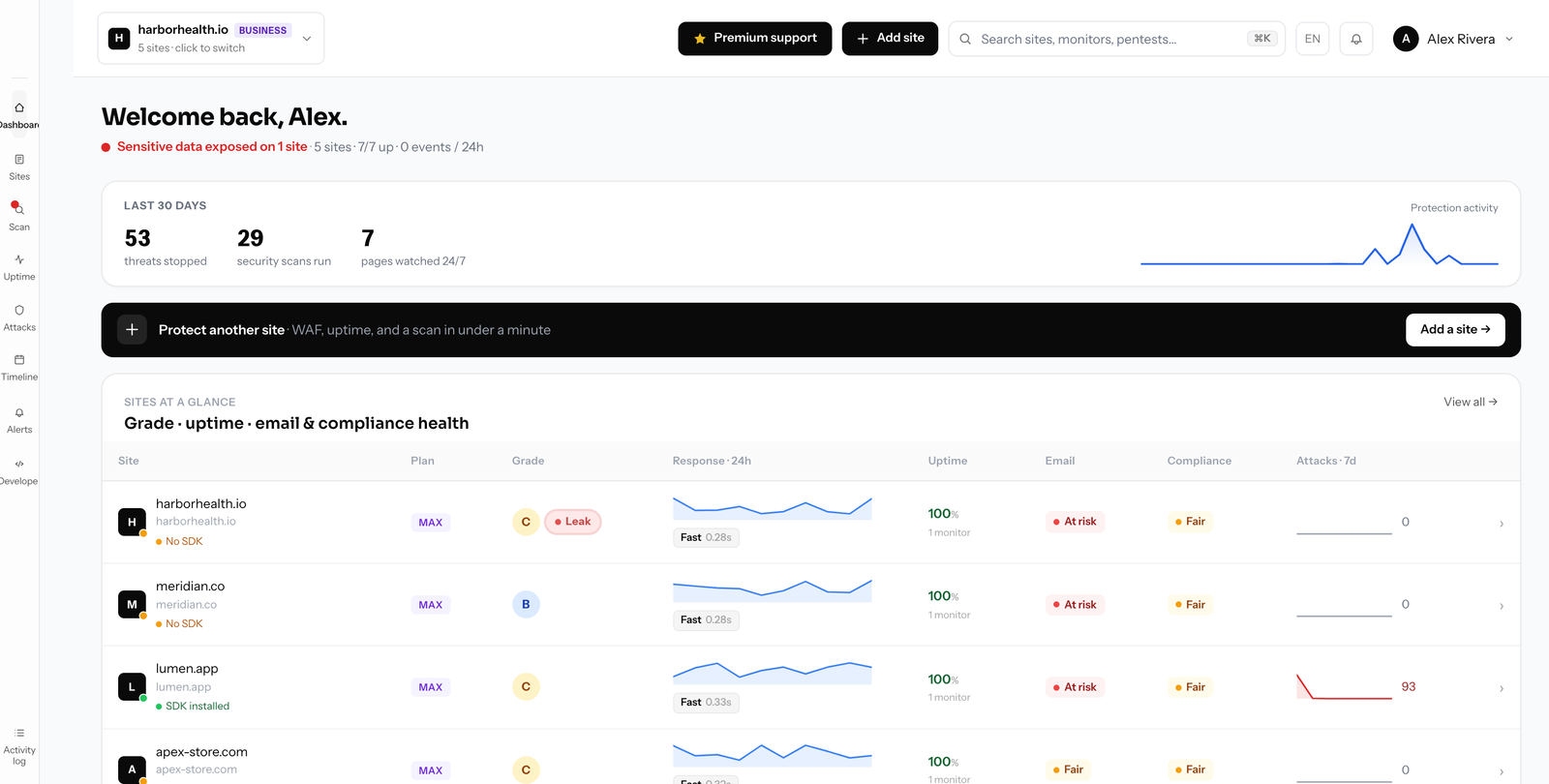
Switching from Sucuri to Defenso.
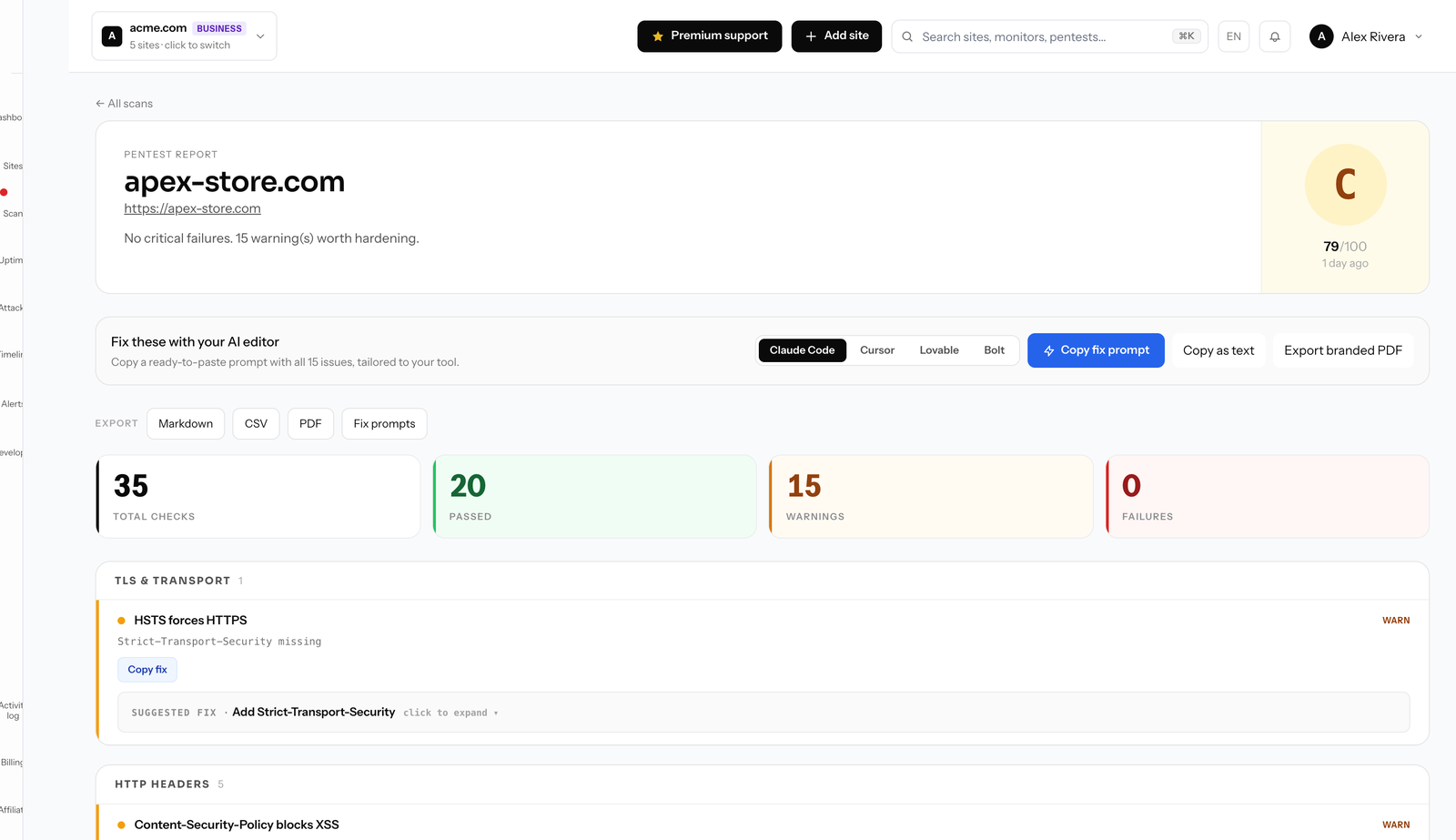
Switching keeps the protection that matters: a managed WAF that blocks SQL injection, XSS, bad bots and abusive traffic, with automatic rate limits. It fails open, so if Defenso ever has an outage your site keeps serving from a cached policy rather than going dark, which is a meaningful difference from a proxy WAF that sits inline. WordPress is fully covered, and so is every other framework you run.
What you gain is breadth Sucuri never aimed at. The same account watches uptime and SSL and domain expiry, runs a monthly surface pentest and an online security scanner across your stack, and scans your repository for leaked secrets so a key in a commit is caught before an attacker finds it. Deep pentests run on the Max plan. There are MCP tools for AI editors like Claude Code and Cursor, and a call-style phone alarm for the moment something real happens, plus a compliance generator for the GDPR and CCPA paperwork.
Migration does not require moving DNS or trusting a proxy with your traffic. You add a site and drop the SDK into your app, or connect via edge WAF, and protection begins. The free tier needs no card, so you can protect one site immediately and expand as you go, with annual billing about 25% under monthly.
Compare Defenso with the rest.
How to switch from Sucuri without a monitoring gap.
Migrating off Sucuri is a five-minute job, not a project. You keep Sucuri live while you set Defenso up, move your sites and alerts across, switch on the WAF and pentest Sucuri never offered, and only then cancel. Here is the exact order.
-
01
Keep Sucuri running while you set up
No rip-and-replace. Create a free Defenso account and add your sites there first, and Sucuri stays live the whole time, so there is never a monitoring gap during the move.
-
02
Add your sites and endpoints
Point Defenso at the same URLs, domains and API endpoints you watch in Sucuri. Uptime checks, SSL and domain-expiry monitoring and a public status page turn on the moment a site is added: no agent to install, no DNS change.
-
03
Wire up the alerts you already use
Connect email, Slack, Discord, Telegram or a signed webhook, and install the Defenso Alerts phone app. The call-style Alarm level rings through silent mode and Do Not Disturb for the 3am outage you cannot sleep through, something Sucuri cannot do.
-
04
Turn on the security Sucuri does not have
This is the real upgrade: a managed WAF in one SDK line, a scheduled pentest that grades your site A–F, repo and secret scanning, and active deception, all in the same account, at no extra vendor. Monitoring and security stop being two bills.
-
05
Run both for a cycle, then cancel Sucuri
Watch the two side by side for a billing cycle. Once you trust the Defenso alerts and grades, cancel Sucuri and consolidate. Most teams find they were paying for uptime and still had no security layer at all.
Frequently asked questions.
Everything people ask before they switch from Sucuri. Still unsure? We are one message away.
Yes, especially if you run more than WordPress. Defenso gives you a managed WAF and malware-aware protection across any stack through a one-line SDK, and adds uptime monitoring, pentest, repo secret scanning and a phone alarm that Sucuri does not bundle.
It does. The managed WAF blocks the injection, XSS, brute-force and bot attacks WordPress sites face, with automatic rate limits, and it fails open so your site keeps serving even if Defenso has an outage. It also covers non-WordPress apps in the same account.
Yes. Defenso runs file-upload scanning on paid plans and a surface pentest and website scanner that flag exposed and vulnerable endpoints, and it scans connected repositories for leaked API keys and credentials, which a WordPress-only tool typically will not do.
Yes, no card needed. Free covers basic managed WAF, a monthly surface pentest, uptime and a status page. Paid plans add file-upload scanning, deep pentests, repo scanning and unlimited scans, and yearly billing is roughly 25% cheaper than monthly.
Get more than monitoring, for free.
No card, no install. Add a site and get uptime, a managed firewall, a pentest and a phone alarm in one account.