Best alternative to Site24x7, meet Defenso.
Site24x7 offers broad monitoring with a learning curve. Defenso keeps monitoring simple and builds security in, rather than bolting it on.
Why teams pick Defenso over Site24x7.
Site24x7, part of the Zoho family, is a genuinely broad monitoring platform. Website checks, server and network monitoring, application performance, log management and real-user monitoring all live under one roof, and for an ops team that wants a single pane covering infrastructure end to end, that breadth is a real advantage.
The trade-off that leads people to a Site24x7 alternative is complexity. All that surface area comes with a learning curve, a lot of configuration and a pricing model that takes a spreadsheet to understand. For many teams that is more monitoring machinery than the job needs, and it still does not defend the application. Defenso keeps monitoring simple and fast to set up, and builds security in from the start with a managed firewall, pentest, repo scanning and AI-editor tools, so you get protection without an onboarding project.
Switching from Site24x7 to Defenso.
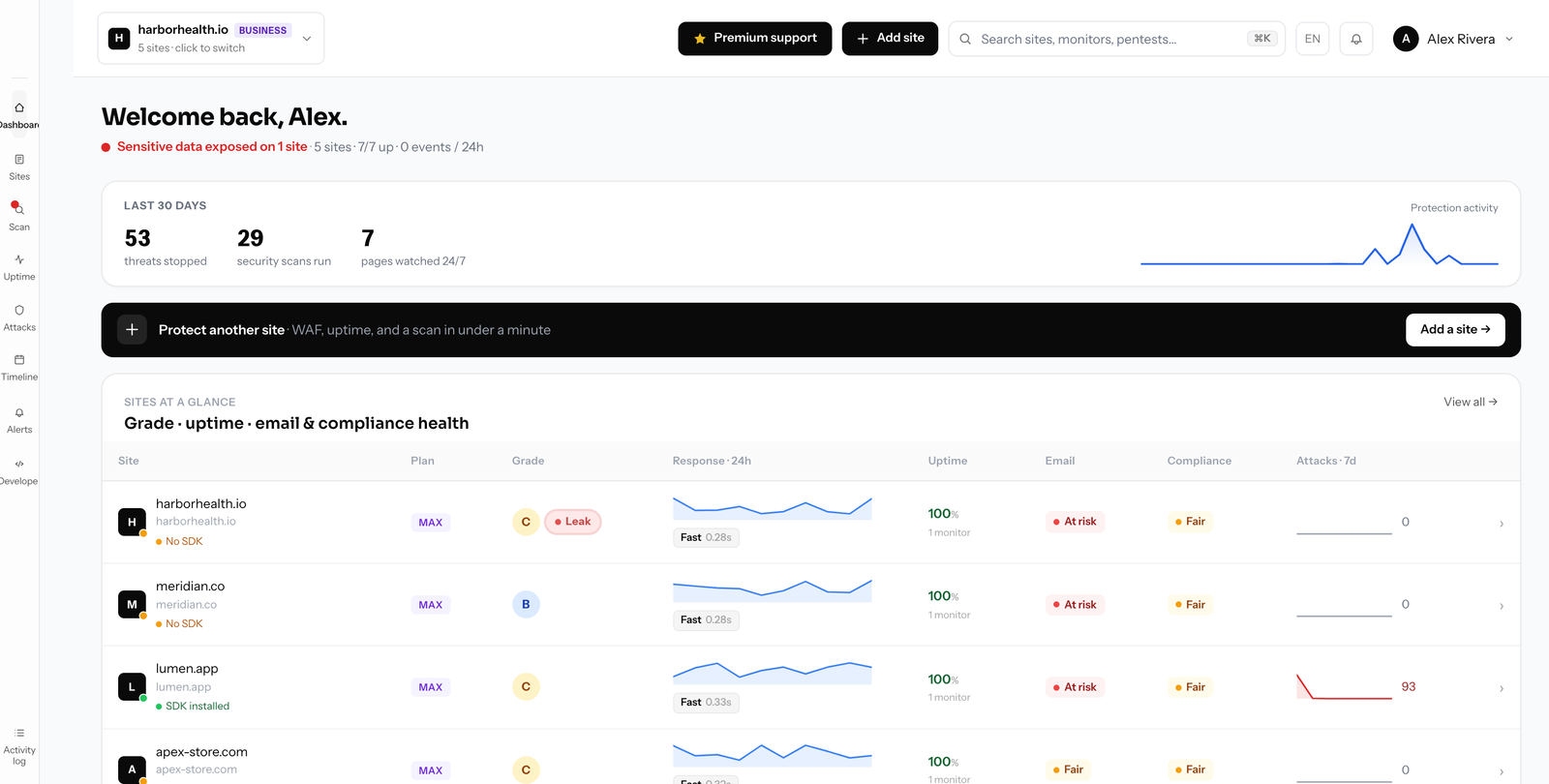
The monitoring you actually used carries over: uptime and response-time checks confirmed across regions, SSL and domain expiry alerts, and public status pages. Setup is deliberately simple, so you are watching a site in minutes rather than working through a lengthy configuration guide. For most teams this is the core of what Site24x7 was doing, minus the complexity tax.
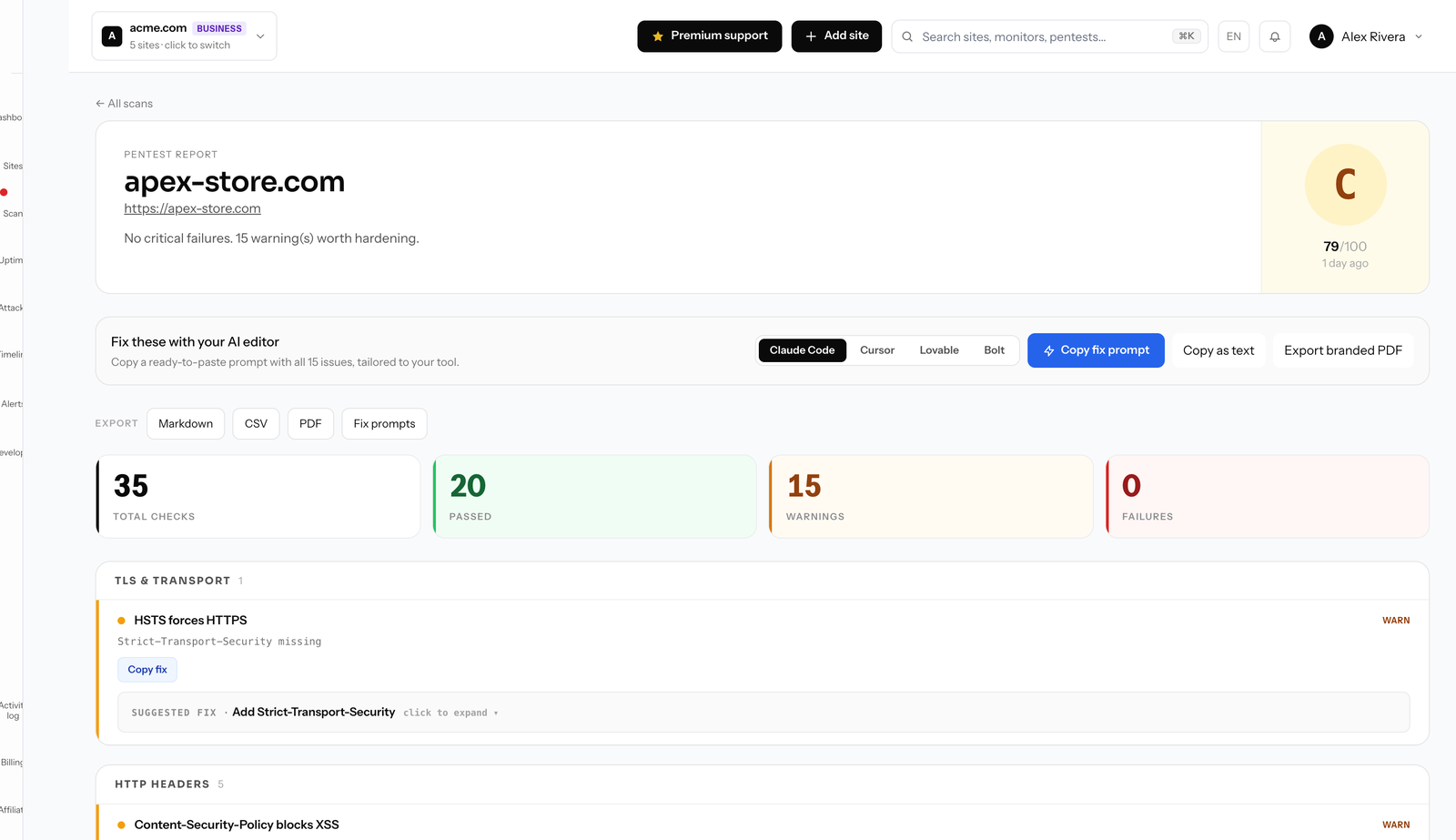
The addition is a full security layer. A one-line SDK enables a managed WAF with automatic rate limits, bot detection and active deception that feeds confirmed attackers coherent fakes instead of real data. A monthly surface pentest and an online security scanner map your exposed surface, deep pentests run on the Max plan, and repo secret scanning catches leaked credentials. MCP tools plug directly into AI editors like Claude Code and Cursor, and a call-style phone alarm rings through Do Not Disturb when it counts.
Migration avoids the onboarding project entirely. There is nothing to install to start monitoring, and the firewall is a single line of code, so there is no agent rollout to plan. The free tier needs no card, and yearly billing is about 25% cheaper than monthly.
Compare Defenso with the rest.
How to switch from Site24x7 without a monitoring gap.
Migrating off Site24x7 is a five-minute job, not a project. You keep Site24x7 live while you set Defenso up, move your sites and alerts across, switch on the WAF and pentest Site24x7 never offered, and only then cancel. Here is the exact order.
-
01
Keep Site24x7 running while you set up
No rip-and-replace. Create a free Defenso account and add your sites there first, and Site24x7 stays live the whole time, so there is never a monitoring gap during the move.
-
02
Add your sites and endpoints
Point Defenso at the same URLs, domains and API endpoints you watch in Site24x7. Uptime checks, SSL and domain-expiry monitoring and a public status page turn on the moment a site is added: no agent to install, no DNS change.
-
03
Wire up the alerts you already use
Connect email, Slack, Discord, Telegram or a signed webhook, and install the Defenso Alerts phone app. The call-style Alarm level rings through silent mode and Do Not Disturb for the 3am outage you cannot sleep through, something Site24x7 cannot do.
-
04
Turn on the security Site24x7 does not have
This is the real upgrade: a managed WAF in one SDK line, a scheduled pentest that grades your site A–F, repo and secret scanning, and active deception, all in the same account, at no extra vendor. Monitoring and security stop being two bills.
-
05
Run both for a cycle, then cancel Site24x7
Watch the two side by side for a billing cycle. Once you trust the Defenso alerts and grades, cancel Site24x7 and consolidate. Most teams find they were paying for uptime and still had no security layer at all.
Frequently asked questions.
Everything people ask before they switch from Site24x7. Still unsure? We are one message away.
Yes. Defenso covers the uptime, response-time and SSL and domain monitoring most teams use Site24x7 for, with a much simpler setup, and it builds in a managed firewall, pentest, repo scanning and AI-editor tools rather than bolting security on.
Defenso focuses on website uptime, response time and security rather than deep server and network agents. If broad infrastructure APM is your core need, that is Site24x7 territory; if you want simple monitoring plus real protection in one place, Defenso fits better.
Yes. There is nothing to install to start monitoring a site, and the managed firewall is a single line of SDK code, so there is no agent rollout or lengthy configuration project. Most teams are watching a site within minutes.
Yes, with no card. Free covers uptime, a status page, basic managed WAF and a monthly surface pentest. Paid plans add faster checks, deep pentests, repo scanning and unlimited scans, and yearly billing runs about 25% below monthly.
Get more than monitoring, for free.
No card, no install. Add a site and get uptime, a managed firewall, a pentest and a phone alarm in one account.