Best alternative to Pingdom, meet Defenso.
Pingdom does polished uptime and real-user monitoring, at an enterprise price. Defenso gives you the same clear monitoring plus real security in one place, without the enterprise bill.
Why teams pick Defenso over Pingdom.
Pingdom is one of the most recognisable names in monitoring, and for good reason. Its transaction checks, response-time waterfalls and real-user monitoring are polished, and large teams have trusted it for years to prove exactly how fast a page loads for a visitor in Frankfurt versus one in Sydney. If deep performance analytics are your priority, Pingdom is a serious tool.
The catch that sends people looking for a Pingdom alternative is the bill and the scope. You are paying an enterprise line item for what is, at its core, monitoring, and none of that budget buys you protection when someone actually attacks the site you are so carefully measuring. Defenso keeps the uptime and response-time signal you care about, adds SSL and domain expiry alerts, and puts a managed firewall, pentest and repo scanning in the same subscription, so the money buys defence as well as measurement.
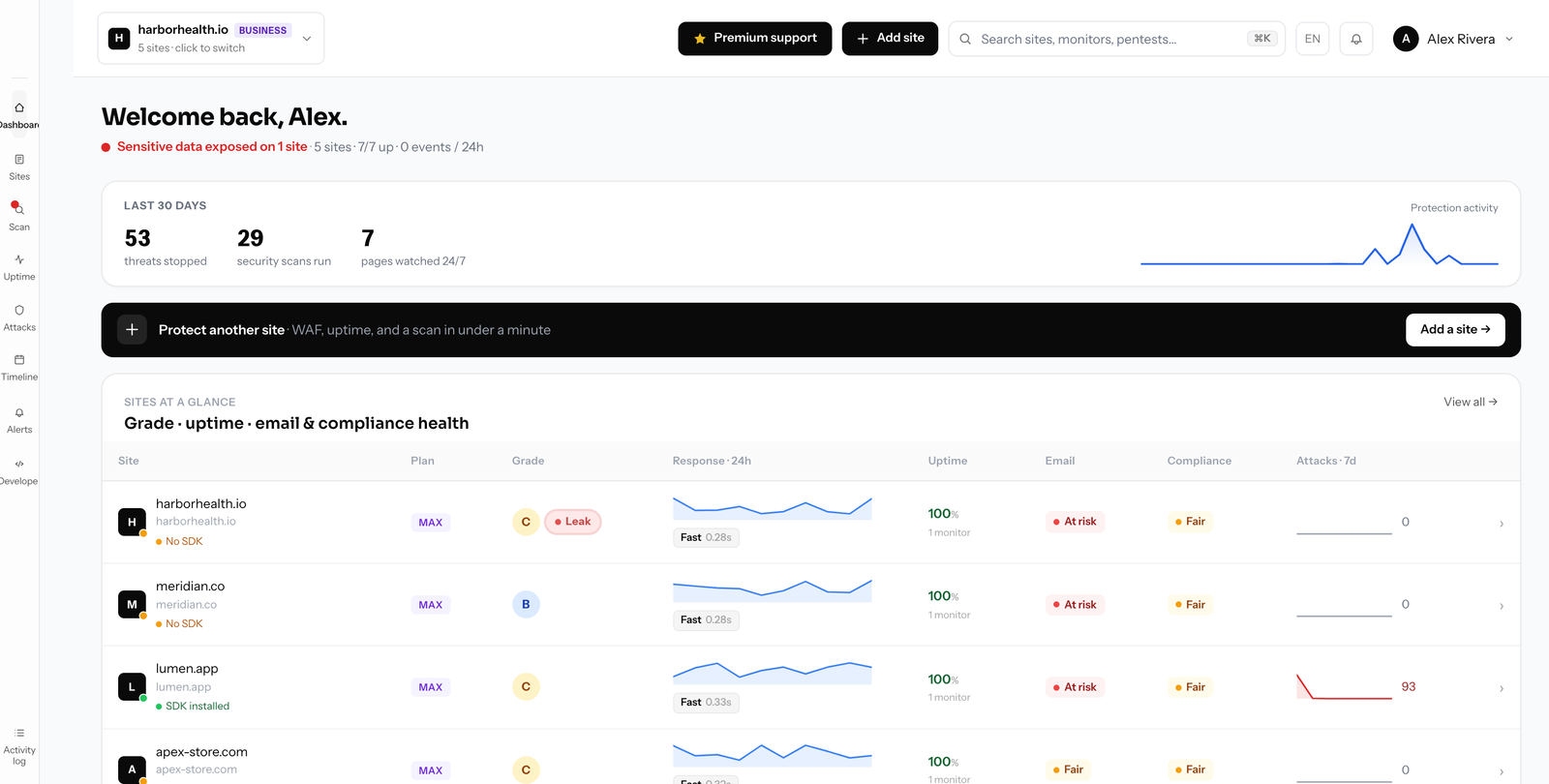
Switching from Pingdom to Defenso.
Moving off Pingdom, you keep the monitoring that mattered: uptime checks, response-time tracking, SSL and domain expiry alerts, and branded status pages your customers can watch during an incident. Multi-region confirmation means a slow node in one city does not fire a false page. For the vast majority of sites, this is the performance visibility you were paying Pingdom for, without the enterprise contract wrapped around it.
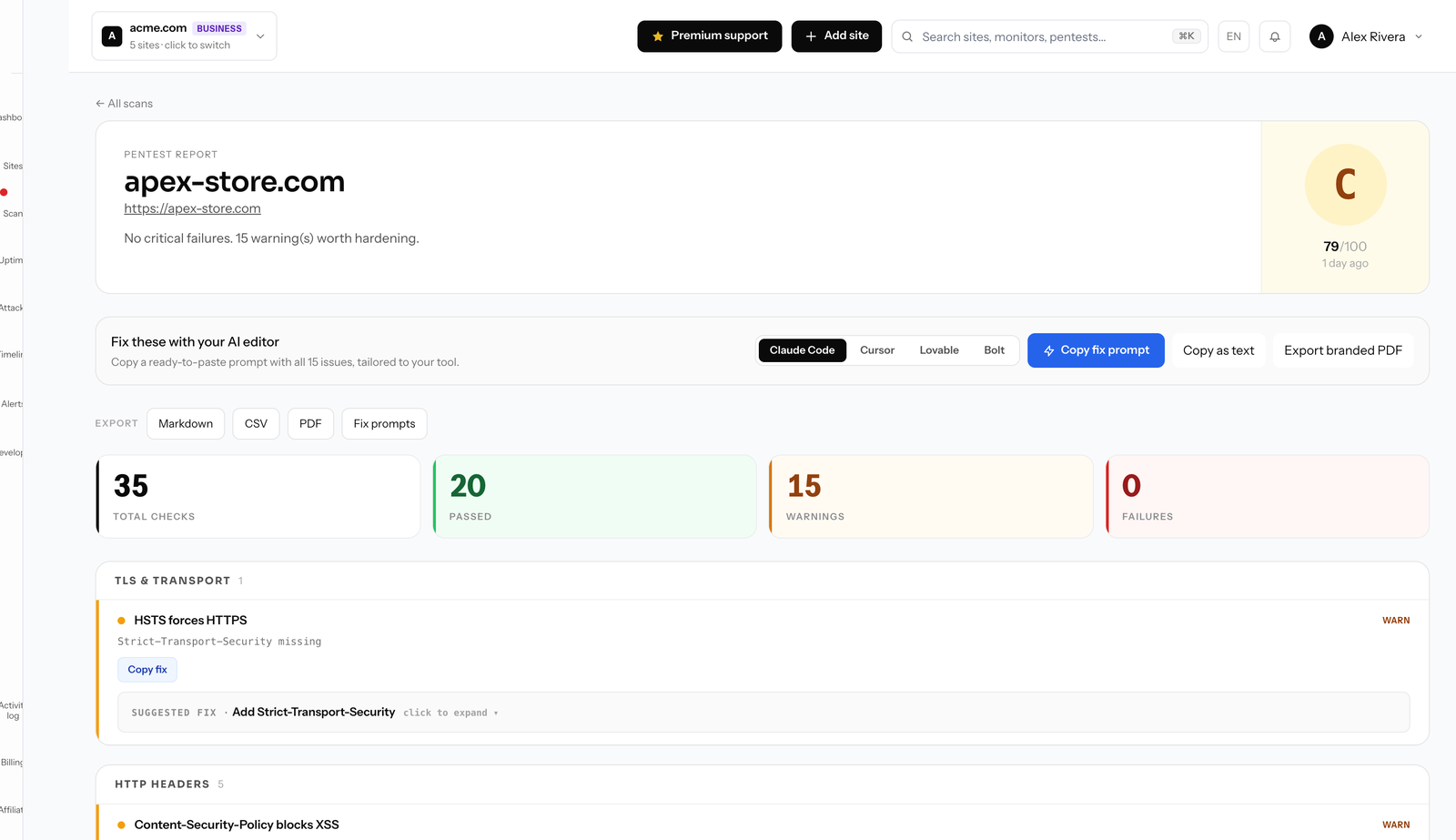
What is new is a whole security layer Pingdom simply does not offer. A one-line SDK enables a managed WAF with automatic rate limits, bot filtering and active deception that serves coherent fakes to confirmed attackers instead of your real data. A monthly surface pentest and an website security scanner surface exposed endpoints and misconfigurations, deep pentests run on the Max plan, and repo secret scanning flags leaked keys before they are abused. Alerts fan out to Slack, Telegram, email and a call-style phone alarm that actually wakes you.
Because there is nothing to install to begin, migration is a matter of adding your site and pointing your team at the new dashboard. The free tier has no card, so you can run Defenso next to Pingdom for a week and compare before you cancel anything. Annual billing lands about 25% below monthly.
Compare Defenso with the rest.
How to switch from Pingdom without a monitoring gap.
Migrating off Pingdom is a five-minute job, not a project. You keep Pingdom live while you set Defenso up, move your sites and alerts across, switch on the WAF and pentest Pingdom never offered, and only then cancel. Here is the exact order.
-
01
Keep Pingdom running while you set up
No rip-and-replace. Create a free Defenso account and add your sites there first, and Pingdom stays live the whole time, so there is never a monitoring gap during the move.
-
02
Add your sites and endpoints
Point Defenso at the same URLs, domains and API endpoints you watch in Pingdom. Uptime checks, SSL and domain-expiry monitoring and a public status page turn on the moment a site is added: no agent to install, no DNS change.
-
03
Wire up the alerts you already use
Connect email, Slack, Discord, Telegram or a signed webhook, and install the Defenso Alerts phone app. The call-style Alarm level rings through silent mode and Do Not Disturb for the 3am outage you cannot sleep through, something Pingdom cannot do.
-
04
Turn on the security Pingdom does not have
This is the real upgrade: a managed WAF in one SDK line, a scheduled pentest that grades your site A–F, repo and secret scanning, and active deception, all in the same account, at no extra vendor. Monitoring and security stop being two bills.
-
05
Run both for a cycle, then cancel Pingdom
Watch the two side by side for a billing cycle. Once you trust the Defenso alerts and grades, cancel Pingdom and consolidate. Most teams find they were paying for uptime and still had no security layer at all.
Frequently asked questions.
Everything people ask before they switch from Pingdom. Still unsure? We are one message away.
For most teams, yes. Defenso covers uptime, response-time and SSL and domain expiry monitoring at small-team pricing, and the same plan includes a managed firewall, pentest and repo scanning that Pingdom does not offer. Yearly billing is about 25% below monthly.
Defenso focuses on synthetic uptime and response-time checks from multiple regions plus full security, rather than deep browser-side RUM. If detailed RUM waterfalls are your core need, keep them; if you want monitoring plus real protection in one bill, Defenso is the better fit.
Yes. There is nothing to install to start monitoring, so you can run Defenso alongside Pingdom, confirm the checks and status pages behave, then cancel Pingdom on your own schedule. No configuration export is needed.
Yes, and it needs no card. Free covers uptime monitoring, a status page, basic managed WAF and a monthly surface pentest. Paid tiers add faster checks, deep pentests, unlimited scans and repo secret scanning.
Get more than monitoring, for free.
No card, no install. Add a site and get uptime, a managed firewall, a pentest and a phone alarm in one account.